Loading page
出品者:eda
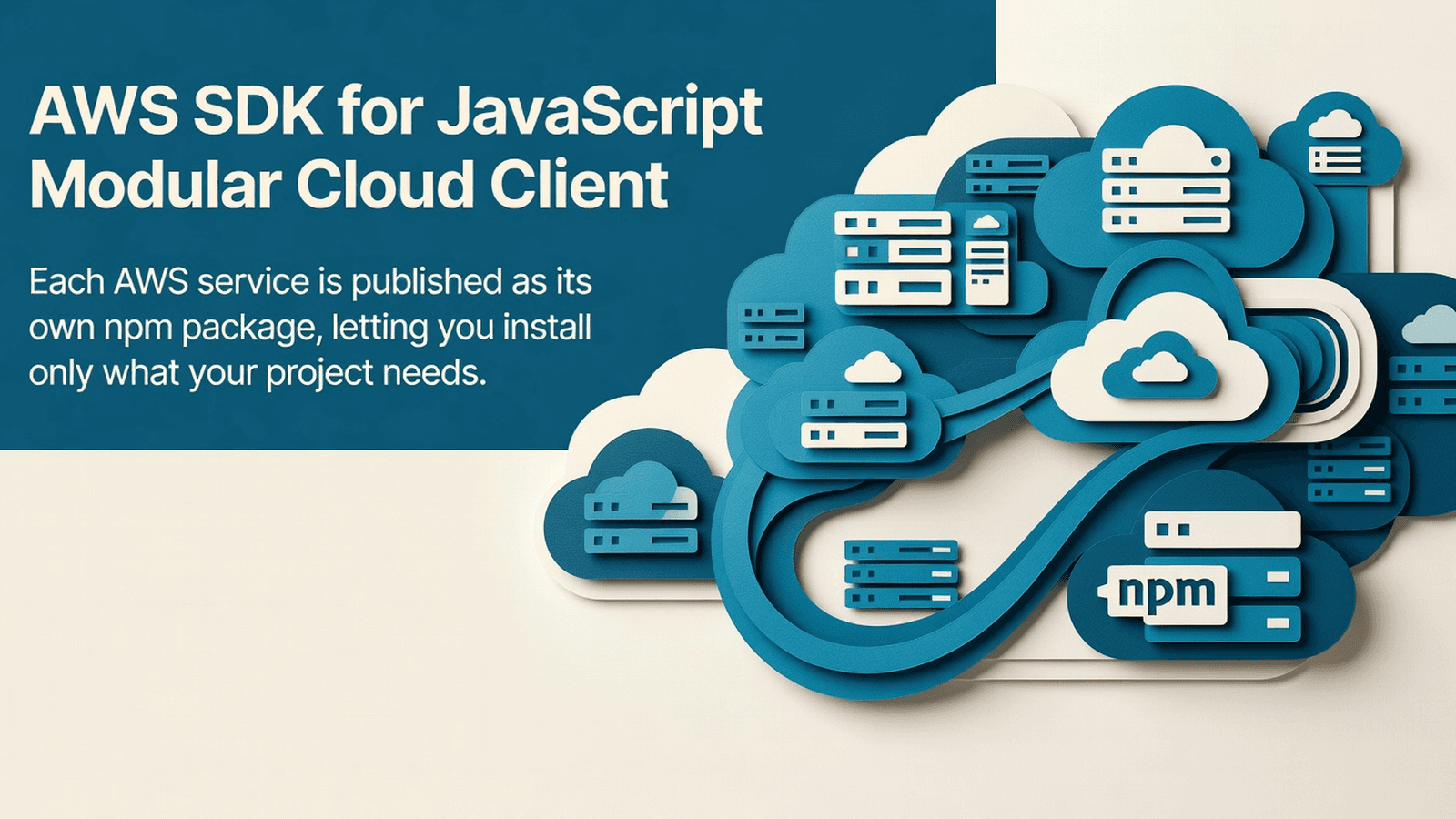
A modular, TypeScript-first SDK for interacting with 300+ AWS services from Node.js, browser, and React Native. Each service ships as an independent package with a middleware-based request pipeline.
This block is the full AWS SDK for JavaScript v3 monorepo, providing modular, tree-shakeable TypeScript clients for every AWS service. Each service ships as its own npm package under clients/, with full TypeScript types, paginator helpers, and a middleware-based request pipeline. The typical buyer is a Node.js or TypeScript backend team that wants to embed one or more AWS service integrations directly from source.
.github/ - CI/CD workflow definitions and issue templates for the monorepo.vscode/ - Editor settings and recommended extensionsclients/ - Individual AWS service client packages (one subdirectory per service).eslintrc.js - ESLint configuration shared across all packages.yarnrc.yml - Yarn Berry workspace configurationapi-extractor.json / api-extractor.lib.json / api-extractor.packages.json - API surface extraction config for all packagescommitlint.config.js - Conventional commit enforcementjest.config.base.js / jest.config.js - Jest test configuration shared across packageslerna.json - Lerna monorepo orchestration configpackage.json - Root workspace manifest; defines workspaces and shared dev depsprettier.config.js - Prettier formatting configurationtsconfig.json / tsconfig.cjs.json / tsconfig.es.json / tsconfig.types.json - TypeScript compiler configs for CJS, ESM, and declaration outputsturbo.json - Turborepo build pipeline definitionsREADME.md / CONTRIBUTING.md / UPGRADING.md / CODE_OF_CONDUCT.md - Project documentationInstall only the service clients you need. Each is an independent package:
npm install @aws-sdk/client-accessanalyzer
npm install @aws-sdk/client-account
# Add any other service client you use, e.g.:
# npm install @aws-sdk/client-s3
# npm install @aws-sdk/client-dynamodb
# npm install @aws-sdk/client-iam
No native modules, no pod install, no Android linking required. Pure JavaScript/TypeScript packages that run in Node.js 16+.
隔離されたサンドボックスを起動しサーバー側で実行 — ローカル設定不要。
このバージョンの Tetrees AI Review
This TypeScript cli / script completed archive review. Structure, dependency manifests, documentation, functional source, and common risk patterns were checked by the Tetrees verification pipeline; runtime phases are stated separately.
Deterministic AVCP artifact review
パイプライン avcp-2026-08-04.1 · SHA-256 cbe42d3298106638…
This version-scoped review deterministically inspects the submitted archive for structure, dependencies, documentation, functional source, and common malicious or high-risk signals. Build and test phases are reported as passed only after an isolated sandbox audition. It is not a guarantee of perfect security.
レビュー日 2026年8月4日
この製品をお使いのAI IDE・Webビルダー・クラウドIDEに直接取り込みます。
Download your licensed source snapshot from the library, then follow the setup guide in your workspace.
まだレビューがありません。
Sign in to join the discussion
Loading discussion…
Drop the source/ directory into your project root if building from source, or install directly from npm (preferred for consumers).
If building from source, ensure you have Node.js 18+ and Yarn Berry:
corepack enable
yarn install
yarn turbo run build
For a standard TypeScript consumer project, add to your tsconfig.json:
{
  "compilerOptions": {
    "target": "ES2020",
    "module": "commonjs",
    "moduleResolution": "node",
    "esModuleInterop": true,
    "strict": true
  }
}
Set AWS credentials via environment variables or ~/.aws/credentials:
export AWS_REGION=us-east-1
export AWS_ACCESS_KEY_ID=your_key
export AWS_SECRET_ACCESS_KEY=your_secret
# Or use AWS_PROFILE for named profiles
The SDK automatically resolves credentials using the default credential provider chain (env vars → shared credentials file → IAM role). No manual credential wiring is required for standard deployments.
import { AccessAnalyzerClient } from "@aws-sdk/client-accessanalyzer";

const client = new AccessAnalyzerClient({ region: "us-east-1" });
The base client for IAM Access Analyzer. Instantiate once per region and reuse across commands. Accepts standard SmithyResolvedConfiguration options including region, credentials, and endpoint.
import {
  AccessAnalyzerClient,
  ListAnalyzersCommand,
  ListAnalyzersCommandInput,
  ListAnalyzersCommandOutput,
} from "@aws-sdk/client-accessanalyzer";

const input: ListAnalyzersCommandInput = { type: "ACCOUNT" };
const output: ListAnalyzersCommandOutput = await client.send(
  new ListAnalyzersCommand(input)
);
Returns all Access Analyzer analyzers in the current account and region. Use this to discover existing analyzers before creating findings queries. Pair with paginateListAnalyzers for large result sets.
import {
  AccessAnalyzerClient,
  ValidatePolicyCommand,
  ValidatePolicyCommandInput,
} from "@aws-sdk/client-accessanalyzer";

const input: ValidatePolicyCommandInput = {
  policyDocument: JSON.stringify({ Version: "2012-10-17", Statement: [] }),
  policyType: "IDENTITY_POLICY",
};
const result = await client.send(new ValidatePolicyCommand(input));
Validates an IAM policy document and returns a list of findings with severity and location. Use this in CI pipelines to gate policy deployments. Supports pagination via paginateValidatePolicy.
import { AccountClient, ListRegionsCommand } from "@aws-sdk/client-account";

const client = new AccountClient({ region: "us-east-1" });
const regions = await client.send(new ListRegionsCommand({}));
Client for AWS Account Management operations. Use to manage account-level settings such as alternate contacts, enabled regions, and primary email updates.
Retrieve all analyzers configured in us-east-1 and print their names and types.
import {
  AccessAnalyzerClient,
  ListAnalyzersCommand,
} from "@aws-sdk/client-accessanalyzer";

async function listAnalyzers(): Promise<void> {
  const client = new AccessAnalyzerClient({ region: "us-east-1" });
  const response = await client.send(new ListAnalyzersCommand({}));
  for (const analyzer of response.analyzers ?? []) {
    console.log(`${analyzer.name} — type: ${analyzer.type} — status: ${analyzer.status}`);
  }
}

listAnalyzers().catch(console.error);
Run policy validation in a pre-deploy script to catch misconfigurations early.
import {
  AccessAnalyzerClient,
  ValidatePolicyCommand,
} from "@aws-sdk/client-accessanalyzer";
import * as fs from "fs";

async function validatePolicy(policyPath: string): Promise<void> {
  const client = new AccessAnalyzerClient({ region: "us-east-1" });
  const policyDocument = fs.readFileSync(policyPath, "utf-8");

  const result = await client.send(
    new ValidatePolicyCommand({
      policyDocument,
      policyType: "IDENTITY_POLICY",
    })
  );

  const findings = result.findings ?? [];
  if (findings.length === 0) {
    console.log("Policy is valid.");
  } else {
    for (const f of findings) {
      console.error(`[${f.findingType}] ${f.issueCode}: ${f.findingDetails}`);
    }
    process.exit(1);
  }
}

validatePolicy("./my-policy.json").catch(console.error);
Enable or list opted-in regions for an account.
import {
  AccountClient,
  ListRegionsCommand,
  GetRegionOptStatusCommand,
} from "@aws-sdk/client-account";

async function inspectRegions(): Promise<void> {
  const client = new AccountClient({ region: "us-east-1" });

  const { regions } = await client.send(
    new ListRegionsCommand({ regionOptStatusContains: ["ENABLED", "ENABLING"] })
  );

  for (const region of regions ?? []) {
    const status = await client.send(
      new GetRegionOptStatusCommand({ regionName: region.regionName! })
    );
    console.log(`${region.regionName}: ${status.regionOptStatus}`);
  }
}

inspectRegions().catch(console.error);
clients/ - Contains one subdirectory per AWS service (e.g., client-accessanalyzer/, client-account/). Each subdirectory is a standalone npm package with its own package.json, src/, and compiled output.clients/client-accessanalyzer/src/index.ts - Public entrypoint for the Access Analyzer client; re-exports the client class, all commands, paginators, models, enums, and error types.clients/client-account/src/index.ts - Public entrypoint for the Account Management client; same structure as all other service clients.tsconfig.json - Root TypeScript config; extended by per-package configs.tsconfig.cjs.json / tsconfig.es.json / tsconfig.types.json - Build variant configs for CommonJS output, ESM output, and .d.ts declarations respectively.turbo.json - Defines the Turborepo task graph: build, test, lint tasks with correct dependency ordering across the monorepo.lerna.json - Configures Lerna for versioning and publishing individual @aws-sdk/* packages independently.package.json - Root workspace manifest; declares all clients/* as Yarn workspaces and lists shared dev dependencies.jest.config.base.js - Base Jest configuration extended by each package for consistent test behavior.prettier.config.js - Shared Prettier formatting rules applied monorepo-wide.region in the client constructor and AWS_REGION is not set, calls fail with a config error; always pass region explicitly or set AWS_REGION.ERR_REQUIRE_ESM, set "esModuleInterop": true in tsconfig.json and use import syntax, not require().~/.aws/credentials, then EC2/ECS metadata; if running in Lambda, do not pass credentials manually — the role is picked up automatically.ListAnalyzersCommand return at most one page; for full result sets import and use paginateListAnalyzers from @aws-sdk/client-accessanalyzer instead.| undefined) by design; use optional chaining (?.) and nullish coalescing (??) throughout.npm install instead of yarn install in the monorepo will break workspace symlinks; use yarn and turbo run build as documented.I have the AWS SDK for JavaScript v3 monorepo under source/ in my project.
I also have USAGE.md which documents the real exports and working examples.
The upstream package name is aws-sdk-js-v3 and individual clients are published
as @aws-sdk/client-<service-name>.
My project is a Node.js TypeScript application. Please integrate the following
AWS service client(s) from source/ into my project step by step:
1. Read USAGE.md and source/clients/client-<service>/src/index.ts to understand
the real exported symbols — do not invent any API names.
2. Add the required npm install lines for only the clients I need.
3. Create a client module in src/aws/<service>.ts that instantiates the client
and exports typed helper functions wrapping the commands I need.
4. Wire credentials via environment variables as shown in USAGE.md.
5. Add error handling using the ServiceException base class exported from
each client package.
6. Show me the full TypeScript code for each file you create or modify.
The AWS SDK for JavaScript v3 is licensed under the Apache License 2.0. See source/LICENSE for the full license text. The upstream project is maintained by Amazon Web Services at https://github.com/aws/aws-sdk-js-v3 and published on npm under the @aws-sdk scope.
This product’s unique contribution is clean room implementation of valuable code block into AVCP compatible standard.
完全なインストールガイドと統合プロンプトは購入後に解放されます。
CRM, ERP, Admin & Internal Tools
無料