Loading page
by Arjun B.
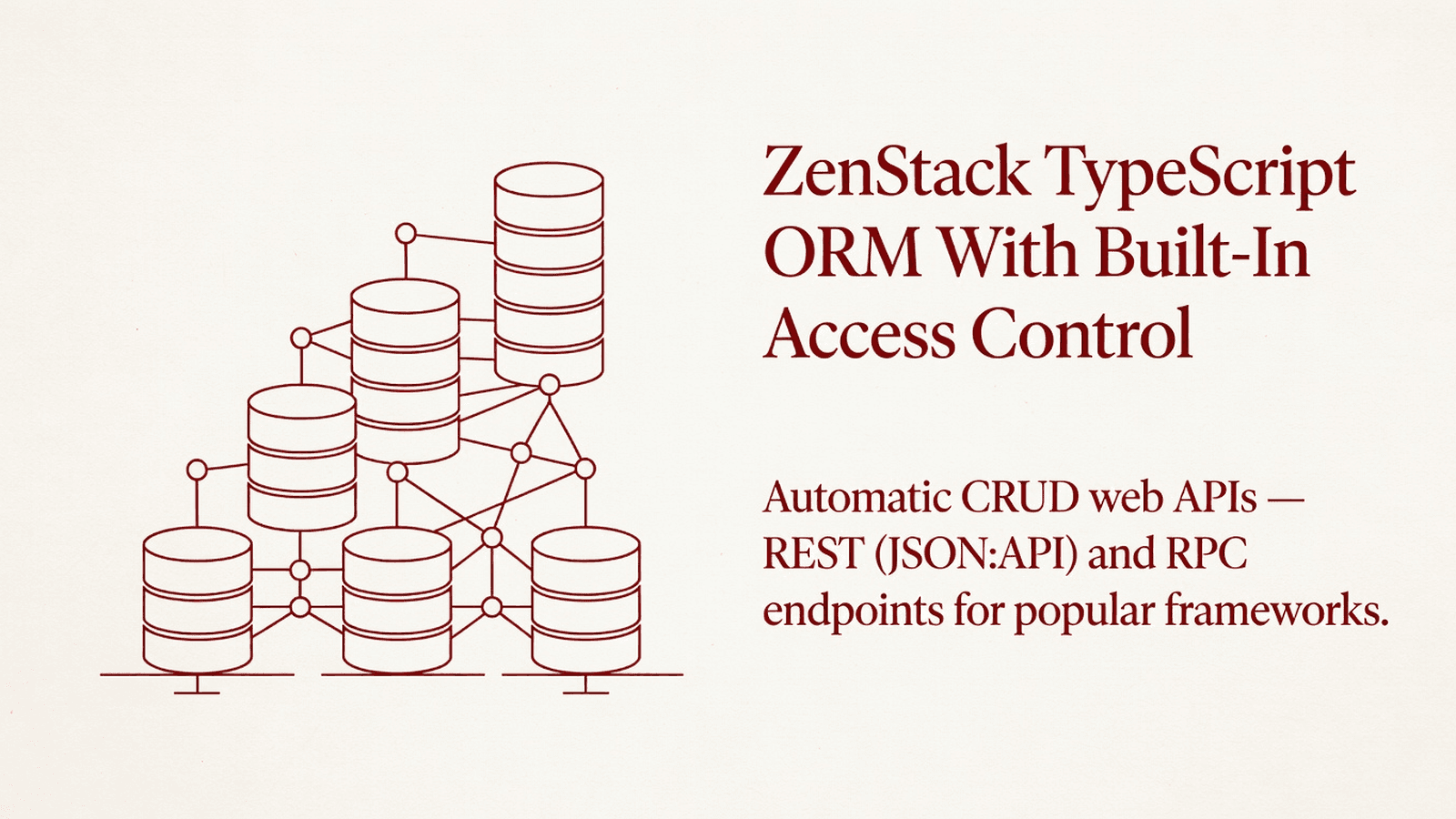
ZenStack is a schema-first TypeScript ORM built on Kysely with Prisma-compatible API, built-in access control, automatic CRUD web APIs, and Zod schema generation for full-stack Node.js/Bun apps.
ZenStack V3 is a schema-first TypeScript ORM and data layer built on top of Kysely, providing Prisma-compatible query APIs with built-in access control, Zod schema generation, and automatic CRUD web APIs. It targets TypeScript backend and full-stack developers who need fine-grained authorization baked into the data layer without a Rust/WASM runtime dependency.
auth-adapters/ - Authentication framework adapters (e.g., Better Auth integration)cli/ - The zen / zenstack CLI for code generation, migrations, schema checks, and introspectionclients/ - HTTP and TanStack Query client helpers for consuming ZenStack APIs from the frontendcommon-helpers/ - Shared utility functions used across packagesconfig/ - Shared build/lint configurationcreate-zenstack/ - Project scaffolding tool (npm create zenstack)ide/ - IDE language support extensionslanguage/ - ZModel language parser, AST definitions, and Langium servicesorm/ - Core ORM engine: query execution, access control, Kysely integrationplugins/ - Code generation plugins (Zod, TypeScript types, etc.)schema/ - ZModel schema compiler and validatorsdk/ - Public SDK surface for building plugins and extensionsserver/ - Server adapters for Express, Fastify, Next.js, etc.testtools/ - Utilities for testing ZenStack-powered projectszod/ - Zod schema generation from ZModel definitionsnpm install @zenstackhq/orm @zenstackhq/schema
npm install -D @zenstackhq/cli
# If using the Better Auth adapter
npm install better-auth @zenstackhq/better-auth
# If using server adapters (pick the one matching your framework)
npm install @zenstackhq/server
# If using TanStack Query client
npm install @zenstackhq/tanstack-query @tanstack/react-query
# If using Zod schema generation
npm install @zenstackhq/zod zod
No native modules, Rust, or WASM components are required. No pod install or Android linking steps.
Install the CLI and core packages as shown above.
Spin up an isolated sandbox and run it server-side — no local setup.
Tetrees AI Review of this version
This TypeScript cli / script completed archive review. Structure, dependency manifests, documentation, functional source, and common risk patterns were checked by the Tetrees verification pipeline; runtime phases are stated separately.
Deterministic AVCP artifact review
Pipeline avcp-2026-08-04.1 · SHA-256 b8082b7448cdd536…
This version-scoped review deterministically inspects the submitted archive for structure, dependencies, documentation, functional source, and common malicious or high-risk signals. Build and test phases are reported as passed only after an isolated sandbox audition. It is not a guarantee of perfect security.
Reviewed Aug 4, 2026
Push this product straight into your AI IDE, web builder or cloud IDE.
Download your licensed source snapshot from the library, then follow the setup guide in your workspace.
No reviews yet.
Sign in to join the discussion
Loading discussion…
Initialize a new ZenStack project in your existing repo:
npx @zenstackhq/cli@latest init
This creates a zenstack/schema.zmodel file and updates package.json scripts.
Place source/ content: If integrating from this block directly, copy the packages/ directory contents into your repo root or a packages/ workspace. Adjust tsconfig.json paths accordingly:
{
  "compilerOptions": {
    "paths": {
      "@zenstackhq/orm": ["./packages/orm/src"],
      "@zenstackhq/schema": ["./packages/schema/src"],
      "@zenstackhq/language": ["./packages/language/src"]
    }
  }
}
Set environment variables:
DATABASE_URL="postgresql://user:pass@localhost:5432/mydb"
ZenStack reads DATABASE_URL (or your datasource url field) at runtime.
Run code generation after editing schema.zmodel:
npx zen generate
Run migrations:
npx zen migrate dev --name init
zenstackAdapterimport { zenstackAdapter, type AdapterConfig } from '@zenstackhq/better-auth/adapter';
// or via the index:
import { zenstackAdapter, type AdapterConfig } from '@zenstackhq/better-auth';
A Better Auth database adapter factory. Pass it an AdapterConfig (which wraps a ZenStack enhanced client) to connect Better Auth's session/user persistence to your ZenStack ORM. Use this when you want Better Auth to store authentication data in the same database managed by ZenStack.
actions (CLI action functions)import { check, db, format, generate, info, init, migrate, seed, proxy } from '@zenstackhq/cli/actions';
// Signatures (as used by the CLI internally):
function generate(options: GenerateOptions): Promise<void>;
function migrate(subCommand: string, options: any): Promise<void>;
function check(options: CheckOptions): Promise<void>;
function format(options: FormatOptions): Promise<void>;
function seed(options: SeedOptions, args: string[]): Promise<void>;
function proxy(options: ProxyOptions): Promise<void>;
function info(projectPath: string): Promise<void>;
function init(projectPath: string): Promise<void>;
function db(subCommand: string, options: any): Promise<void>;
These are the programmatic equivalents of every zen CLI subcommand. Use them in custom build scripts or test harnesses when you need to drive ZenStack operations without spawning a child process.
providers (DB introspection)import { providers } from '@zenstackhq/cli/actions/pull/provider';
import type { IntrospectionProvider } from '@zenstackhq/cli/actions/pull/provider';
// providers is keyed by DataSourceProviderType
const pg: IntrospectionProvider = providers['postgresql'];
const my: IntrospectionProvider = providers['mysql'];
const sq: IntrospectionProvider = providers['sqlite'];
A map of database-specific introspection providers used by zen db pull. Each provider implements IntrospectionProvider with methods for reading tables, columns, foreign keys, and native enums from a live database. Use these when building custom pull/sync tooling on top of the ZenStack schema engine.
You want a build script that regenerates ZenStack artifacts (types, Zod schemas) without shelling out to the CLI binary.
import { generate } from '@zenstackhq/cli/actions';

async function buildStep() {
  await generate({
    schema: './zenstack/schema.zmodel',
    output: './src/generated',
  });
  console.log('ZenStack artifacts generated');
}

buildStep().catch((err) => {
  console.error(err);
  process.exit(1);
});
You have a ZenStack-enhanced db client and want Better Auth to persist sessions through it.
import { betterAuth } from 'better-auth';
import { zenstackAdapter } from '@zenstackhq/better-auth';
import { db } from './db'; // your ZenStack db client

export const auth = betterAuth({
  database: zenstackAdapter({
    db, // AdapterConfig: your ZenStack client instance
  }),
  emailAndPassword: {
    enabled: true,
  },
});
Run the schema validity check as part of a CI pipeline step, capturing errors without spawning a subprocess.
import { check } from '@zenstackhq/cli/actions';

async function ciCheck() {
  try {
    await check({
      schema: './zenstack/schema.zmodel',
    });
    console.log('Schema is valid');
  } catch (err) {
    console.error('Schema check failed:', err);
    process.exit(1);
  }
}

ciCheck();
Invoke the seed action from a custom script, passing extra arguments to the seed file.
import { seed } from '@zenstackhq/cli/actions';

async function seedDatabase() {
  await seed(
    { schema: './zenstack/schema.zmodel' },
    ['--env', 'development']
  );
}

seedDatabase().catch(console.error);
auth-adapters/better-auth/ - Implements zenstackAdapter and AdapterConfig to bridge Better Auth's database interface to ZenStack's ORM client; also contains a schema generator for Better Auth models.cli/ - The zen / zenstack CLI entry point; registers all subcommands (generate, migrate, db, check, format, seed, proxy, info, init, pull) and wires telemetry.cli/src/actions/ - One module per CLI subcommand; each exports a run function usable programmatically.cli/src/actions/pull/ - DB introspection and ZModel sync logic; converts live database schema into .zmodel AST nodes.cli/src/actions/pull/provider/ - Per-database introspection implementations for PostgreSQL, MySQL, and SQLite.cli/src/plugins/ - CLI-side plugin runners for Prisma and TypeScript code generation steps.cli/src/utils/ - CLI utilities: version checking, exec helpers, machine ID, environment detection (CI, Docker, WSL).clients/ - Frontend/isomorphic clients: fetch-based HTTP client, TanStack Query hooks, and shared client helpers.common-helpers/ - Cross-package utility functions (e.g., lowerCaseFirst).language/ - ZModel language definition via Langium: AST types, factories, metadata, and parser services.orm/ - Core ORM runtime: query engine, Kysely integration, access control enforcement.plugins/ - Code generation plugins invoked by zen generate (Zod schemas, TypeScript types).schema/ - ZModel schema compiler, validator, and DataSourceProviderType definitions.sdk/ - Public extension SDK for third-party plugin authors.server/ - Framework adapters (Express, Next.js, Fastify) that expose auto-generated CRUD HTTP endpoints.zod/ - Runtime Zod schema generation from compiled ZModel definitions.testtools/ - Test helpers for spinning up in-memory or test databases with ZenStack applied.DATABASE_URL not picked up at generation time: zen generate reads .env via dotenv/config; ensure .env is in the project root or pass --env-file explicitly."module": "NodeNext" and "moduleResolution": "NodeNext" in tsconfig.json for packages that import @zenstackhq/language.better-auth peer version mismatch: zenstackAdapter is built against a specific better-auth minor; pin both to the same minor version (^1.x.x) to avoid interface drift.@zenstackhq/schema when using providers: DataSourceProviderType is imported from @zenstackhq/schema; install it even if you only use the CLI pull provider directly.zen generate produces empty output: Verify that at least one plugin is declared in schema.zmodel under the plugin block; without a plugin declaration the generator has nothing to emit.DO_NOT_TRACK=1 or ZENSTACK_NO_TELEMETRY=1 in your CI environment to suppress anonymous usage pings from the CLI.I have the ZenStack V3 source block located at `source/` in my project, and a
usage guide at `USAGE.md`. The upstream package is `user@example.com`.
Please help me integrate ZenStack into my existing TypeScript Node.js project
step by step:
1. Read `USAGE.md` fully before making any changes.
2. Identify which packages under `source/` are relevant to my use case
(I need: [describe: ORM only / CLI + ORM / server adapters / Better Auth adapter]).
3. Install the required npm dependencies listed in `USAGE.md` §Required dependencies.
4. Update my `tsconfig.json` paths so imports from `@zenstackhq/*` resolve to
`source/` correctly.
5. Create or update `zenstack/schema.zmodel` with my data models.
6. Wire the `generate` action (from `source/cli/src/actions/generate.ts`) into
my build script.
7. If I need the Better Auth adapter, add the `zenstackAdapter` call from
`source/auth-adapters/better-auth/src/adapter.ts` to my auth configuration.
8. Show me the final file tree and all changed files with full content.
Do not invent any API symbols; use only what is documented in `USAGE.md` §Public API.
ZenStack is released under the MIT license. See source/LICENSE if present, or refer to the GitHub repository. Upstream package: zenstack-v3 version 3.6.4. Full documentation at https://zenstack.dev/docs.
This product’s unique contribution is clean room implementation of valuable code block into AVCP compatible standard.
The full install guide and integration prompts unlock after purchase.
Automation, Utilities & Developer Tools
Free