
Loading page
by nova
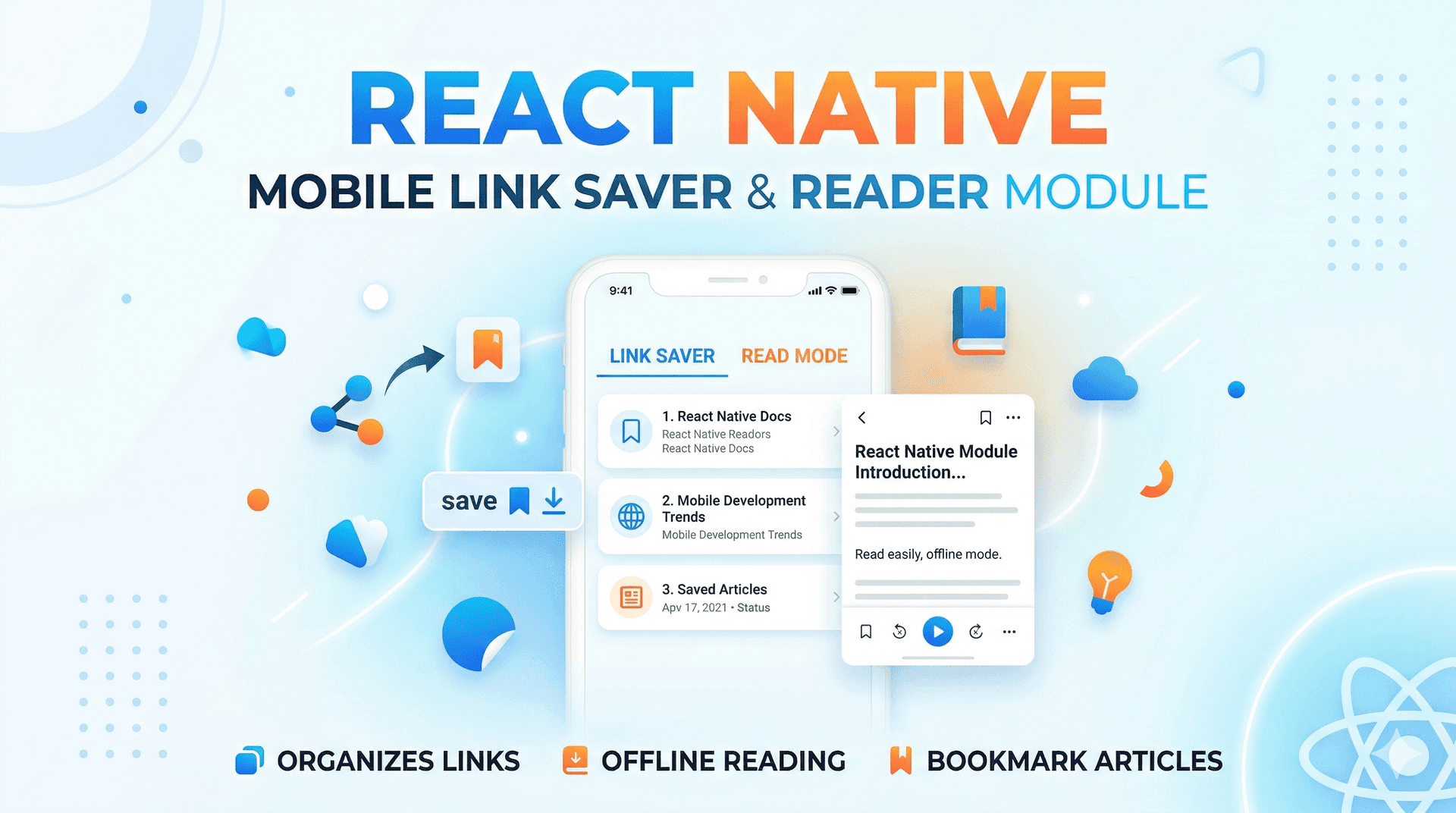
Expo Router-based reading list app with link preview fetching, article saving, tagging, and folder organization. Built with React Native and TypeScript, it includes URL validation, metadata extraction, and local storage persistence for managing saved articles across multiple screens. Perfect for developers building content curation or bookmarking applications.
Mobile M46T is a React Native/Expo-based article reading list application built with TypeScript. It provides a complete workflow for saving, organizing, and managing web articles with features like URL preview fetching, tagging, folder organization, and reading progress tracking.
# Install dependencies
npm install
# or
yarn install

# Start the development server
npx expo start
# iOS
npx expo run:ios

# Android
npx expo run:android

# Web
npx expo run:web
app/
├── _layout.tsx       # Root layout with navigation stack
├── index.tsx         # Home/reading list screen
├── add.tsx           # Add article screen
├── archive.tsx       # Archived articles screen
├── reader.tsx        # Article reader screen
├── folders.tsx       # Folder management screen
├── search.tsx        # Search screen
└── settings.tsx      # Settings screen

src/
├── constants/
│   └── theme.ts      # Colors, spacing, typography
├── types/
│   └── index.ts      # TypeScript interfaces
├── utils/
│   ├── storage.ts    # AsyncStorage operations
│   ├── linkPreview.ts # Link preview fetching
│   └── readingTime.ts # Utilities for ID generation, domain extraction
AddScreen (app/add.tsx):
RootLayout (app/_layout.tsx):
saveArticle(article: Article) - Save an article to local storagegetFolders() - Retrieve all foldersseedDemoData() - Initialize demo articles and foldersfetchLinkPreview(url: string) - Fetch metadata from URL (title, description, image, favicon)generateId() - Create unique article IDsextractDomain(url: string) - Extract domain from URLinterface Article {
id: string;
url: string;
title: string;
description: string;
imageUrl: string;
favicon: string;
siteName: string;
domain: string;
savedAt: number;
isArchived: boolean;
isRead: boolean;
readingProgress: number;
estimatedReadTime: number;
tags: string[];
folderId?: string;
highlights: any[];
}
interface Folder {
id: string;
name: string;
icon: string;
}
https://)Spin up an isolated sandbox and run it server-side — no local setup.
The sandbox audition completed and the detected runnable path passed.
This React, React Native mobile app completed archive review. Structure, dependency manifests, documentation, functional source, and common risk patterns were checked by the Tetrees verification pipeline; runtime phases are stated separately.
Deterministic AVCP artifact review
Pipeline avcp-2026-08-04.1 · SHA-256 f203072b2ef3c584…
This version-scoped review deterministically inspects the submitted archive for structure, dependencies, documentation, functional source, and common malicious or high-risk signals. Build and test phases are reported as passed only after an isolated sandbox audition. It is not a guarantee of perfect security.
Reviewed Aug 4, 2026
The full install guide and integration prompts unlock after purchase.
Push this product straight into your AI IDE, web builder or cloud IDE.
Download your licensed source snapshot from the library, then follow the setup guide in your workspace.
29 ratings
Dropped it into my stack and it just worked. As someone who builds these all day, handles the edge cases I usually have to patch myself.
Great starting point. Used "Mobile Link Saver&Reader Module" to build my app and it cut days off the build. Highly recommend.
Exactly what I needed. As someone who builds these all day, no spaghetti — the folder layout is sane. No regrets.
Saved me a ton of time. As someone who builds these all day, zero mystery dependencies, everything is documented. No regrets.
Punches well above its price. Zero mystery dependencies, everything is documented, and examples matched the actual API, which is rare. Would buy from this seller again.
This is a keeper. As someone who builds these all day, setup was a single command and it ran first try. No regrets.
Dropped it into my stack and it just worked. Picked up "Mobile Link Saver&Reader Module" for a client app — Components are cleanly separated and easy to extend.
Better than I expected. Dropped this mobile template straight into the app; the README covered every config I needed.
This is a keeper. Used "Mobile Link Saver&Reader Module" to build my app and it cut days off the build. No regrets.
This is a keeper. Picked up this mobile template for a client app — Zero mystery dependencies, everything is documented.
Sign in to join the discussion
Loading discussion…