
Loading page
由 Minh N. 出售
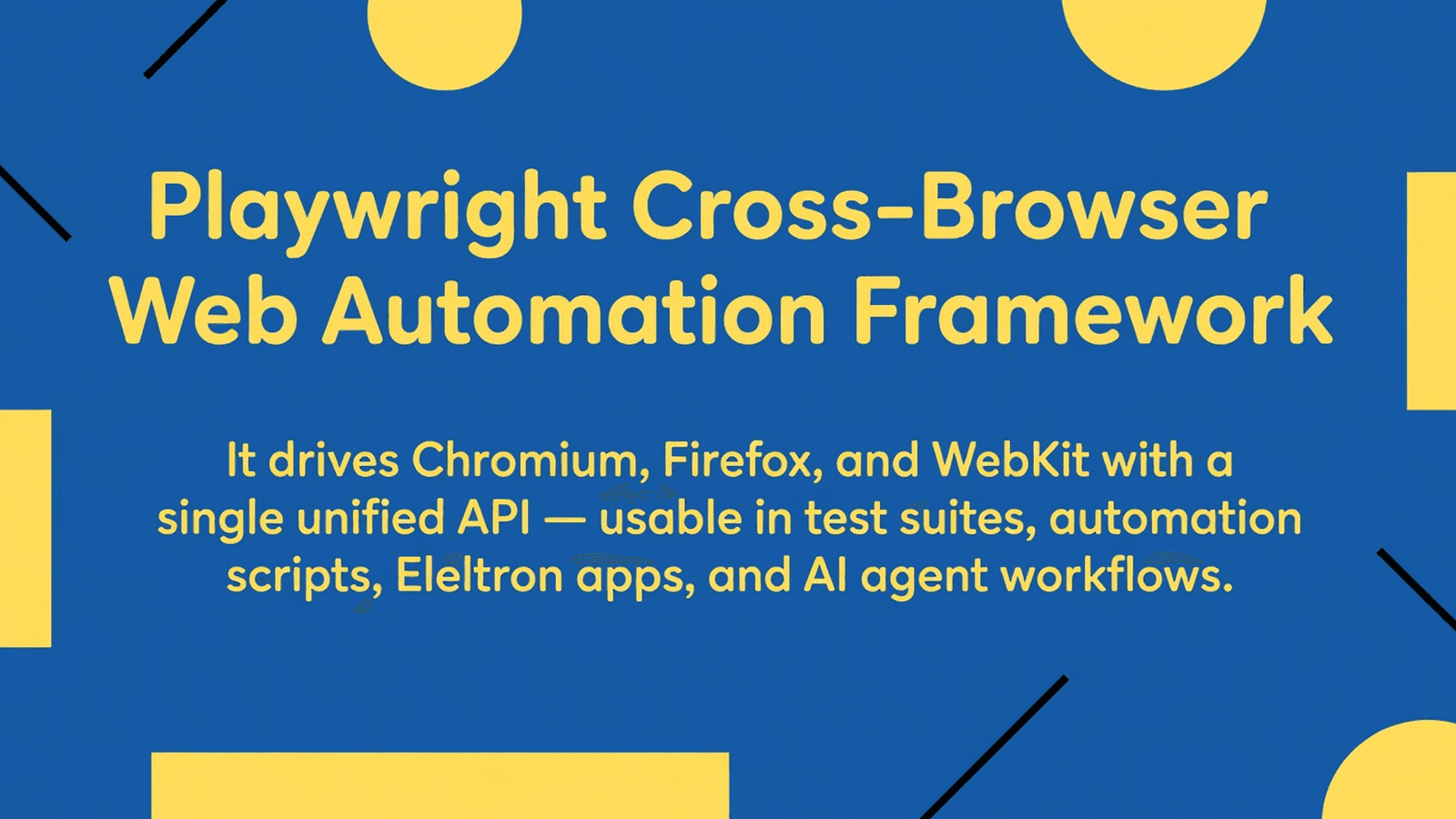
Playwright is a full-featured browser automation and end-to-end testing framework that drives Chromium, Firefox, and WebKit with a single API. Built for developers, QA engineers, and AI agents.
This block provides the full source of playwright-core — the browser automation engine that drives Chromium, Firefox, and WebKit through a unified API. It includes the client-side channel protocol, the server-side browser management layer, a built-in MCP (Model Context Protocol) server for AI agent integration, and CLI tooling. Typical buyers are platform engineers embedding Playwright into a custom test runner, agent framework, or browser-as-a-service backend.
cli/ - Command-line entry points: driver.ts, program.ts, browser action helpers, install actionsclient/ - Public-facing API classes: Page, BrowserContext, Frame, Locator, Network, Tracing, and the channel Connectionentry/ - Thin process entry points: mcp.ts, cliDaemon.ts, dashboardApp.ts, oopBrowserDownload.tsprotocol/ - Wire protocol: serializers.ts, validator.ts, validatorPrimitives.tsremote/ - Network transport layers: playwrightServer.ts, playwrightConnection.ts, playwrightWebSocketServer.ts, playwrightPipeServer.tsserver/ - In-process browser server: Browser, BrowserContext, Page, Request, Response, dispatchers, trace viewertools/ - MCP server backend, CLI client/daemon, dashboard app, trace parser, browser backend abstractionandroidServerImpl.ts - Android device server implementationbootstrap.ts - Process bootstrap initializationbrowserServerImpl.ts - Out-of-process browser server implementationcoreBundle.ts - Bundle entry that re-exports the core library surfaceinprocess.ts - In-process Playwright factoryoutofprocess.ts - Out-of-process Playwright factorypackage.ts - Package metadata helpers (packageRoot, packageJSON, binPath)启动隔离沙箱并在服务器端直接运行 — 无需本地配置。
此版本的 Tetrees AI Review
This TypeScript cli / script completed archive review. Structure, dependency manifests, documentation, functional source, and common risk patterns were checked by the Tetrees verification pipeline; runtime phases are stated separately.
Deterministic AVCP artifact review
管道 avcp-2026-08-04.1 · SHA-256 8bd11f85504d6aec…
This version-scoped review deterministically inspects the submitted archive for structure, dependencies, documentation, functional source, and common malicious or high-risk signals. Build and test phases are reported as passed only after an isolated sandbox audition. It is not a guarantee of perfect security.
审查日期 2026年8月4日
将此产品直接导入你的 AI IDE、网页构建器或云端 IDE。
Download your licensed source snapshot from the library, then follow the setup guide in your workspace.
暂无评价。
Sign in to join the discussion
Loading discussion…
serverRegistry.ts - ServerRegistry — discovers and tracks running browser server descriptors via file-watchingutilsBundle.ts - Bundled utility re-exportsnpm install playwright-core
npm install @modelcontextprotocol/sdk
npm install chokidar
npm install ws
npm install @zip.js/zip.js
npm install mime
npm install jpeg-js
npm install pngjs
npm install stack-utils
npm install progress
npm install extract-zip
npm install https-proxy-agent
npm install socks-proxy-agent
npm install proper-lockfile
npm install glob
npm install rimraf
No native build steps are required for standard Node.js use. Android device support (androidServerImpl.ts) requires adb on PATH. Headful browser launches on Linux require display server libraries (install via npx playwright install-deps).
Copy the source/ directory into your project, e.g. src/playwright-core/.
In tsconfig.json, add path aliases so internal cross-imports resolve:
{
  "compilerOptions": {
    "baseUrl": ".",
    "paths": {
      "@utils/*": ["src/playwright-core/utils/*"],
      "playwright-internal": ["src/playwright-core/index.ts"]
    },
    "module": "NodeNext",
    "moduleResolution": "NodeNext",
    "target": "ES2020",
    "esModuleInterop": true
  }
}
PLAYWRIGHT_BROWSERS_PATH=/path/to/browsers   # override browser install dir
PLAYWRIGHT_SKIP_BROWSER_DOWNLOAD=1           # if browsers already installed
DEBUG=pw:api                                  # optional verbose API logging
package.json:{
"scripts": {
"build": "tsc -p tsconfig.json",
"start": "node dist/yourEntryPoint.js"
}
}
import { createConnection } from './tools/mcp/index';
import type { Config } from './tools/mcp/config.d';

async function createConnection(
  userConfig?: Config,
  contextGetter?: () => Promise<BrowserContext>
): Promise<Server>
Creates an MCP Server instance backed by a Playwright browser. Pass an optional Config to control browser type, isolation, and context options. Pass contextGetter to supply your own BrowserContext instead of launching a new browser. Use this when integrating Playwright with an AI agent framework that speaks the Model Context Protocol.
import { createPlaywright } from './server/playwright';

function createPlaywright(options: { sdkLanguage: string; isServer?: boolean }): Playwright
Instantiates the server-side Playwright object that owns chromium, firefox, and webkit browser type instances. This is the root server object — use it when building a custom in-process browser server or a bespoke remote transport layer.
serverRegistry.ts)import { ServerRegistry, BrowserDescriptor, BrowserStatus } from './serverRegistry';
class ServerRegistry extends EventEmitter {
list(): BrowserStatus[]
register(descriptor: BrowserDescriptor): string // returns guid
unregister(guid: string): void
on(event: 'added', listener: (d: BrowserDescriptor) => void): this
on(event: 'removed', listener: (guid: string) => void): this
on(event: 'changed', listener: (d: BrowserDescriptor) => void): this
}
Tracks running browser server endpoints discovered from the filesystem via chokidar. Use it in a dashboard or proxy server to enumerate connectable browser instances without hardcoding endpoints.
import { filteredTools, browserTools } from './tools/backend/tools';
import type { FullConfig } from './tools/mcp/config';

function browserTools(): Tool[]
function filteredTools(config: FullConfig): Tool[]
Returns the list of MCP tool descriptors Playwright exposes (click, navigate, screenshot, etc.). filteredTools trims the list according to the resolved config (e.g., removing snapshot tools when vision mode is on). Use these when you need to advertise tool schemas to an MCP client.
An AI agent framework that speaks the Model Context Protocol can connect to this server and issue browser actions as structured tool calls.
import { createConnection } from './source/tools/mcp/index';

async function main() {
  const server = await createConnection({
    browser: {
      browserName: 'chromium',
      isolated: true,
      launchOptions: { headless: true },
      contextOptions: { viewport: { width: 1280, height: 720 } },
    },
  });

  // server is an @modelcontextprotocol/sdk Server
  // wire it to a transport (stdio, WebSocket, etc.)
  const { StdioServerTransport } = await import('@modelcontextprotocol/sdk/server/stdio.js');
  await server.connect(new StdioServerTransport());
  console.log('MCP browser server ready on stdio');
}

main().catch(console.error);
A dashboard process watches the filesystem for descriptors written by other Playwright server processes and emits events when browsers come and go.
import { ServerRegistry } from './source/serverRegistry';
import type { BrowserDescriptor, BrowserStatus } from './source/serverRegistry';

const registry = new ServerRegistry();

registry.on('added', (descriptor: BrowserDescriptor) => {
  console.log('Browser connected:', descriptor.browser.browserName, descriptor.endpoint);
});

registry.on('removed', (guid: string) => {
  console.log('Browser disconnected:', guid);
});

const browsers: BrowserStatus[] = registry.list();
console.log('Currently available browsers:', browsers.length);
Use the server-layer directly (no subprocess) to create a browser, open a page, and capture a screenshot.
import { createPlaywright } from './source/server/playwright';
import { nullProgress } from './source/server/progress';

async function screenshot(url: string, outputPath: string) {
  const playwright = createPlaywright({ sdkLanguage: 'javascript' });
  const browserType = playwright.chromium;

  const browser = await browserType.launch({ headless: true });
  const context = await browser.newContext();
  const page = await context.newPage();

  await page.mainFrame().goto(nullProgress(), url, { waitUntil: 'load', timeout: 30000 });
  await page.screenshot({ path: outputPath, type: 'png' });

  await browser.close();
  console.log('Screenshot saved to', outputPath);
}

screenshot('https://playwright.dev', '/tmp/pw.png').catch(console.error);
cli/ - Houses the program.ts Commander CLI definition, driver.ts for the in-process driver loop, browserActions.ts for record/codegen helpers, and installActions.ts for browser download commands.client/ - All public-facing wrapper classes that talk over the channel protocol to the server. connection.ts owns the IPC loop; channelOwner.ts is the base class for every remote object.entry/ - Minimal process entry files; each one imports and wires a single feature (MCP, daemon, dashboard, browser download) so the bundle can be split cleanly.protocol/ - JSON-schema-style validators for every message type on the wire, plus serializers for complex types (errors, handles, routes).remote/ - Server-side transports: pipe, WebSocket, and connection-management logic that maps incoming IPC sessions to PlaywrightConnection instances.server/ - The authoritative in-process implementation: Browser, BrowserContext, Page, Frame, Network, CDP dispatchers, and the trace viewer server.tools/ - MCP tool implementations (click, type, screenshot, navigate, etc.), the browser backend abstraction, CLI client/daemon programs, and the trace parser used by the viewer.androidServerImpl.ts - Bridges the Android device ADB layer into the standard server dispatcher API.bootstrap.ts - Runs early-process initialization (signal handlers, unhandled rejection setup) before any other module loads.browserServerImpl.ts - Implements the out-of-process browser server lifecycle, writing endpoint descriptors to disk.coreBundle.ts - Single re-export barrel for downstream bundlers that want the whole library surface in one chunk.inprocess.ts / outofprocess.ts - Two factory entry points: one creates Playwright in the same process, the other spawns a child process and connects over a pipe.package.ts - Exposes packageRoot, binPath, and packageJSON so the rest of the codebase can reference install-time paths without hardcoding.serverRegistry.ts - ServerRegistry watches a well-known directory for JSON descriptor files written by browser server processes, emitting typed events.utilsBundle.ts - Re-exports shared utilities (crypto, env, file, network, etc.) from the internal @utils alias so they can be bundled together.Cannot find module '@utils/...' — The source uses TypeScript path aliases. Add "@utils/*": ["src/playwright-core/utils/*"] to tsconfig.json paths and ensure tsc (not just ts-node) resolves them; for ts-node add tsconfig-paths/register.PLAYWRIGHT_BROWSERS_PATH to the directory populated by npx playwright install, or call npx playwright install chromium before starting your process.@modelcontextprotocol/sdk — The SDK ships ESM-only. Set "module": "NodeNext" and "moduleResolution": "NodeNext" in tsconfig.json, and add "type": "module" to your package.json.chokidar ENOSPC on Linux — Increase the inotify limit: echo fs.inotify.max_user_watches=524288 | sudo tee -a /etc/sysctl.conf && sudo sysctl -p.nullProgress not exported from a clean import — Import it explicitly from source/server/progress, not from the top-level barrel, to avoid circular dependency issues during tree-shaking.androidServerImpl.ts requires adb on PATH and USB debugging enabled on the device. Verify with adb devices before calling any Android APIs.I have dropped the playwright-core source (playwright-internal@1.60.0-next) into
my project at `src/playwright-core/`. I also have `USAGE.md` in the project root
describing every exported symbol, directory layout, required dependencies, and
tsconfig setup.
Please integrate this source into my project step by step:
1. Read `USAGE.md` sections "Required dependencies", "Project setup", and
"Public API" first.
2. Install all dependencies listed in "Required dependencies".
3. Update my `tsconfig.json` with the path aliases from "Project setup".
4. Create `src/browserService.ts` that:
- Uses `createConnection` from `src/playwright-core/tools/mcp/index.ts` to
start an MCP server backed by headless Chromium.
- Connects it to a stdio transport from `@modelcontextprotocol/sdk`.
- Exports a `startBrowserService()` async function.
5. Create `src/registry.ts` that imports `ServerRegistry` from
`src/playwright-core/serverRegistry.ts`, instantiates it, logs every
`added` and `removed` event, and exports a `getRegistry()` singleton.
6. Wire both into `src/index.ts` and add a `start` npm script.
7. Show me the final file tree and any remaining manual steps.
Only use symbols documented in `USAGE.md`. Do not invent new APIs.
Playwright is released under the Apache License 2.0. See source/LICENSE if present, or refer to the official repository. Upstream package: user@example.com by Microsoft Corporation.
This product’s unique contribution is clean room implementation of valuable code block into AVCP compatible standard.
完整安装指南与集成提示词将在购买后解锁。
Automation, Utilities & Developer Tools
免费


